
Windows x64
For 64-bit Intel or AMD desktops and laptops.
Download x64 BillsFor Windows
Version 26.1.0 · Free download
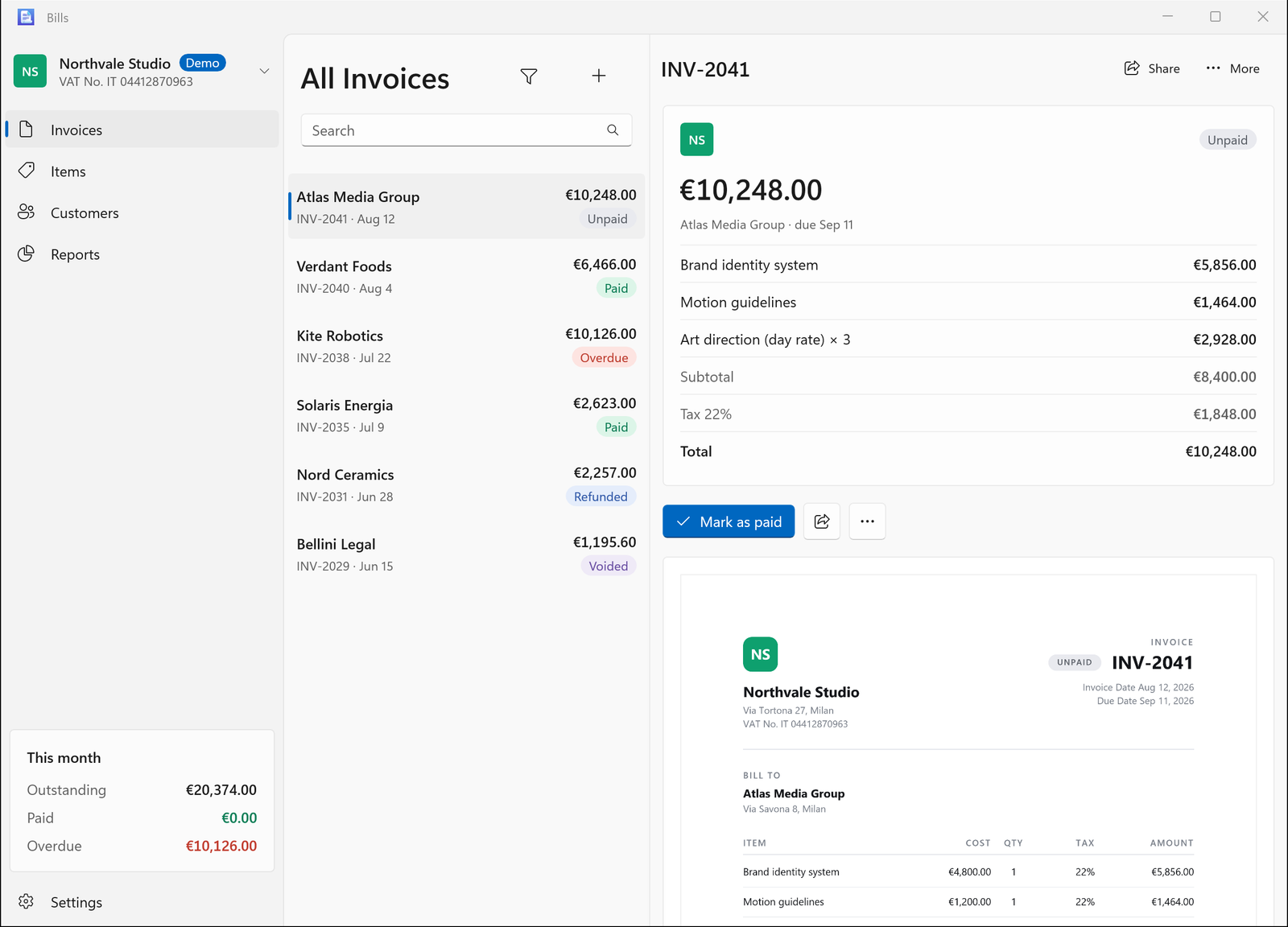
A native Windows app for invoices, customers, items and reports. Get it from the Microsoft Store, or choose a portable ZIP.
Free · Available now in the Microsoft Store
Portable downloads · Bills 26.1.0
Windows 10 version 2004 (build 19041) or later. Windows 11 recommended. The interface is in English.
For 64-bit Intel or AMD desktops and laptops.
Download x64For ARM-based PCs, including Snapdragon devices.
Download ARM64Not sure? Open Windows Settings → System → About and check “System type”.
About this download. These are unsigned portable builds, with .NET and the Windows App SDK included. The free Microsoft Store edition provides Store-managed installation and updates.
Start in three steps
Use “Extract All” in File Explorer. Keep the extracted folder somewhere you want to keep the app.
Keep all the files in the folder together. No separate runtime installation is needed.
Add a company, customer and item, then create an invoice. Or turn on Demo mode in Settings to explore sample data first.
A few useful details
On your PC, in a local database. Export a JSON backup from Settings → Data. Sharing an invoice or report sends only the document you choose to the app, printer or location you select.
Use an Apple version that includes JSON export in Settings → Data. Export a Bills JSON file, transfer it to your PC and import it in Windows Settings → Data. Transfers are manual; Windows does not automatically sync with iCloud. Import is unavailable while Demo mode is on.
Export your records as JSON in Settings → Data, then import the file in the other version. The Store and portable versions use separate data folders.
No. Return to this page for a newer ZIP. Export a backup before updating, close Bills and replace the app folder with the new download.
Multiple companies, customer and item management, invoice statuses, three customisable PDF layouts, CSV and PDF reports, and JSON import/export. Tax rates and payment terms are set by you.