
Browse and view
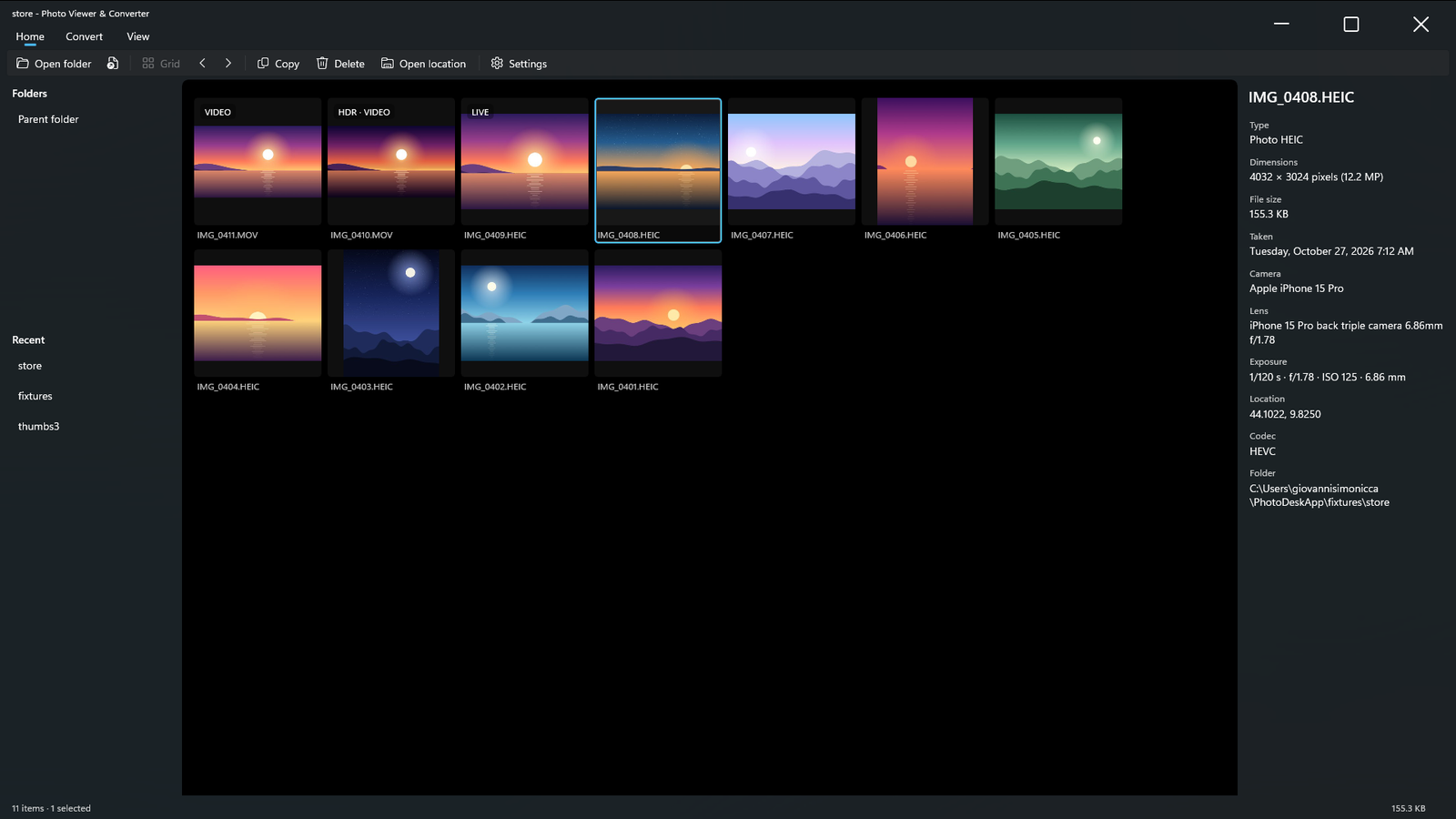
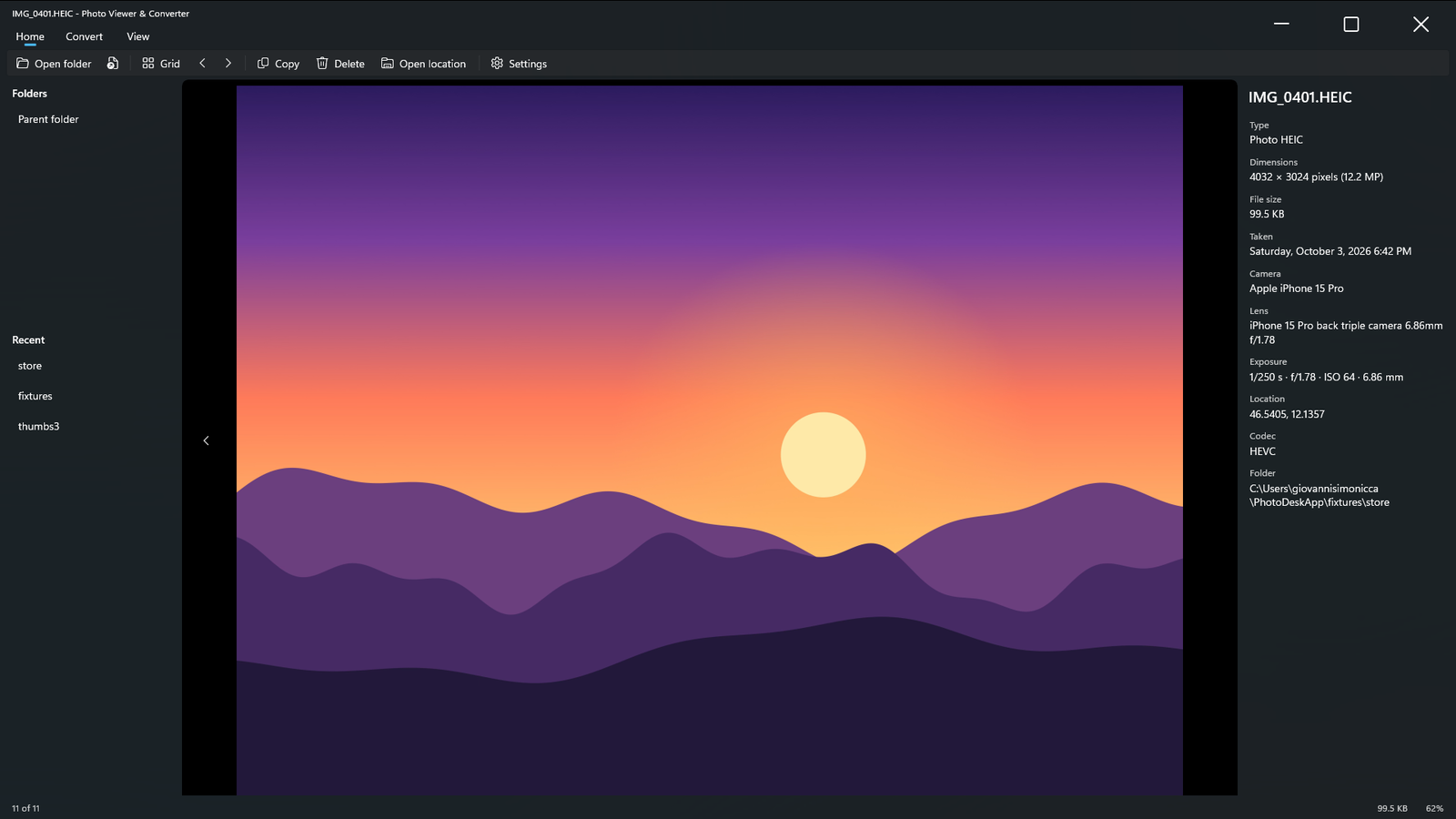
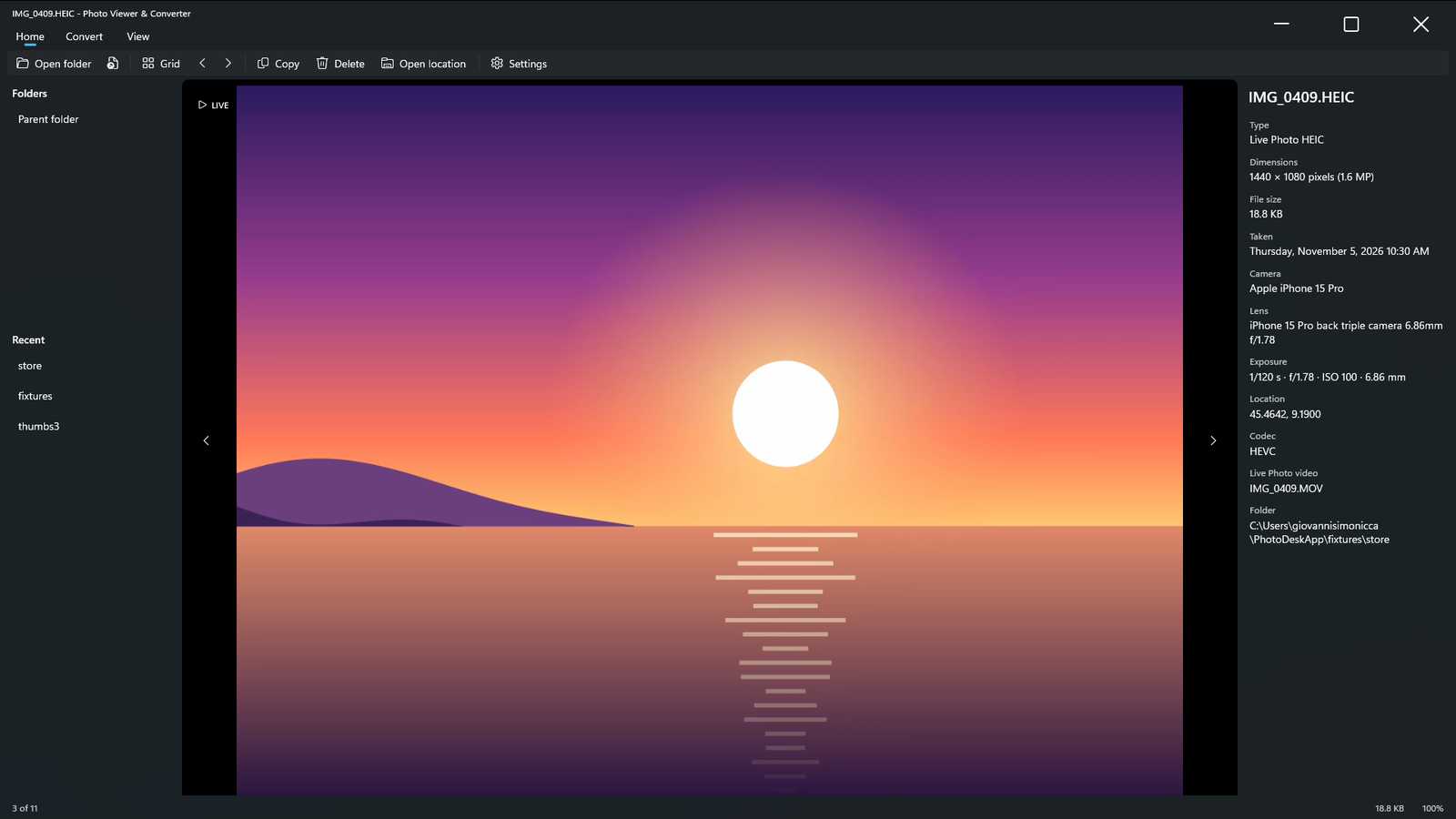
Browse folders, zoom into photos and inspect the date, camera, exposure and location. Play compatible Live Photos by pointing at them or pressing Space.
 Photo Viewer& Converter
HEIC · HEIF · AVIF · Video
Open HEIC photos and Live Photos on Windows. Convert a folder to JPG, PNG or MP4 while keeping your originals.
Windows 10 and 11 · ARM64 and x64 · 31 interface languages
View. Play. Convert.
HEIC, HEIF, AVIF, JPEG and PNG photos. MOV, MP4 and M4V videos with HEVC, H.264 and AV1 playback.
Browse folders, zoom into photos and inspect the date, camera, exposure and location. Play compatible Live Photos by pointing at them or pressing Space.
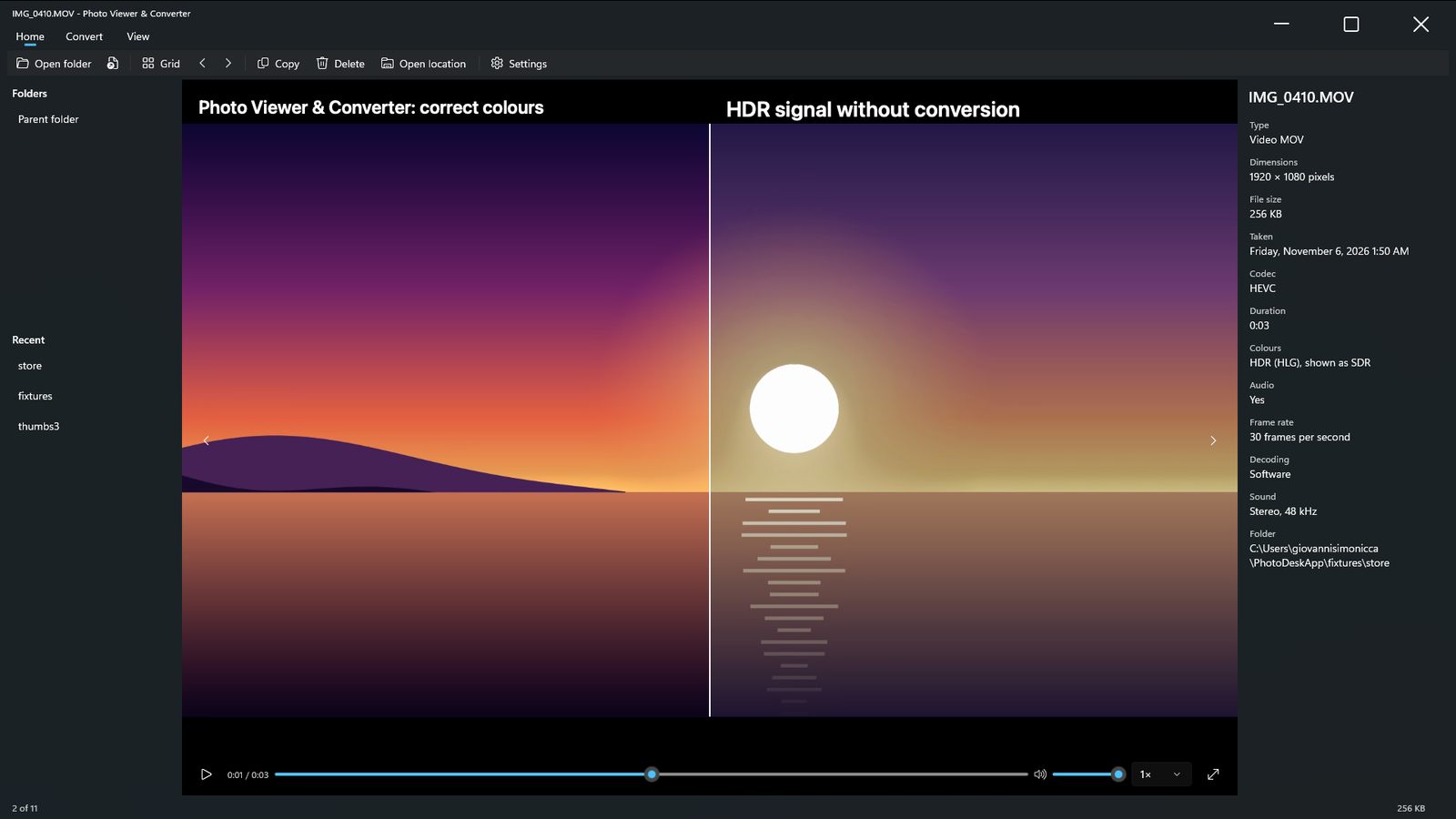
Seek, change speed and watch full screen. HLG video is mapped for ordinary screens, without a separate codec extension.
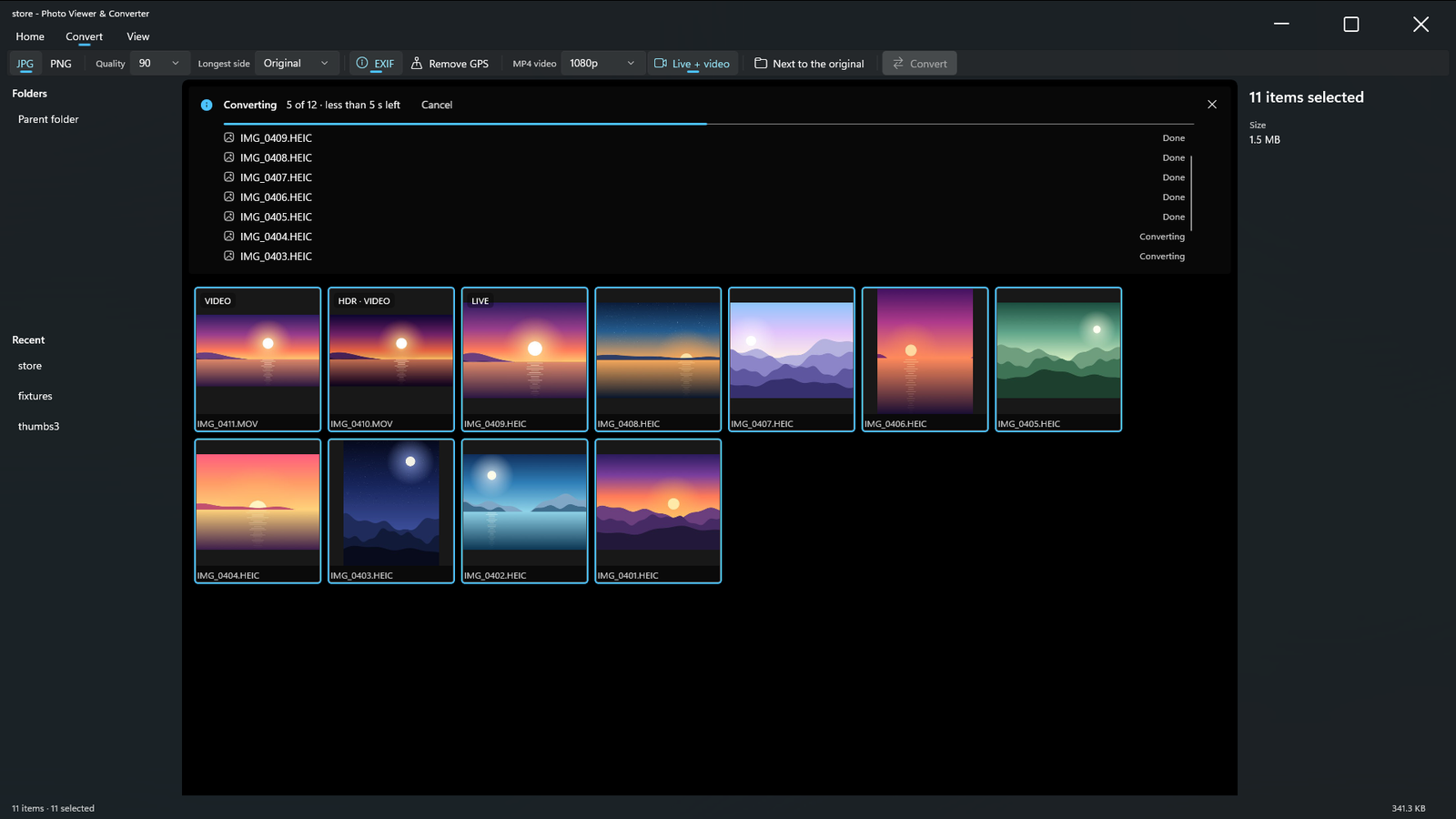
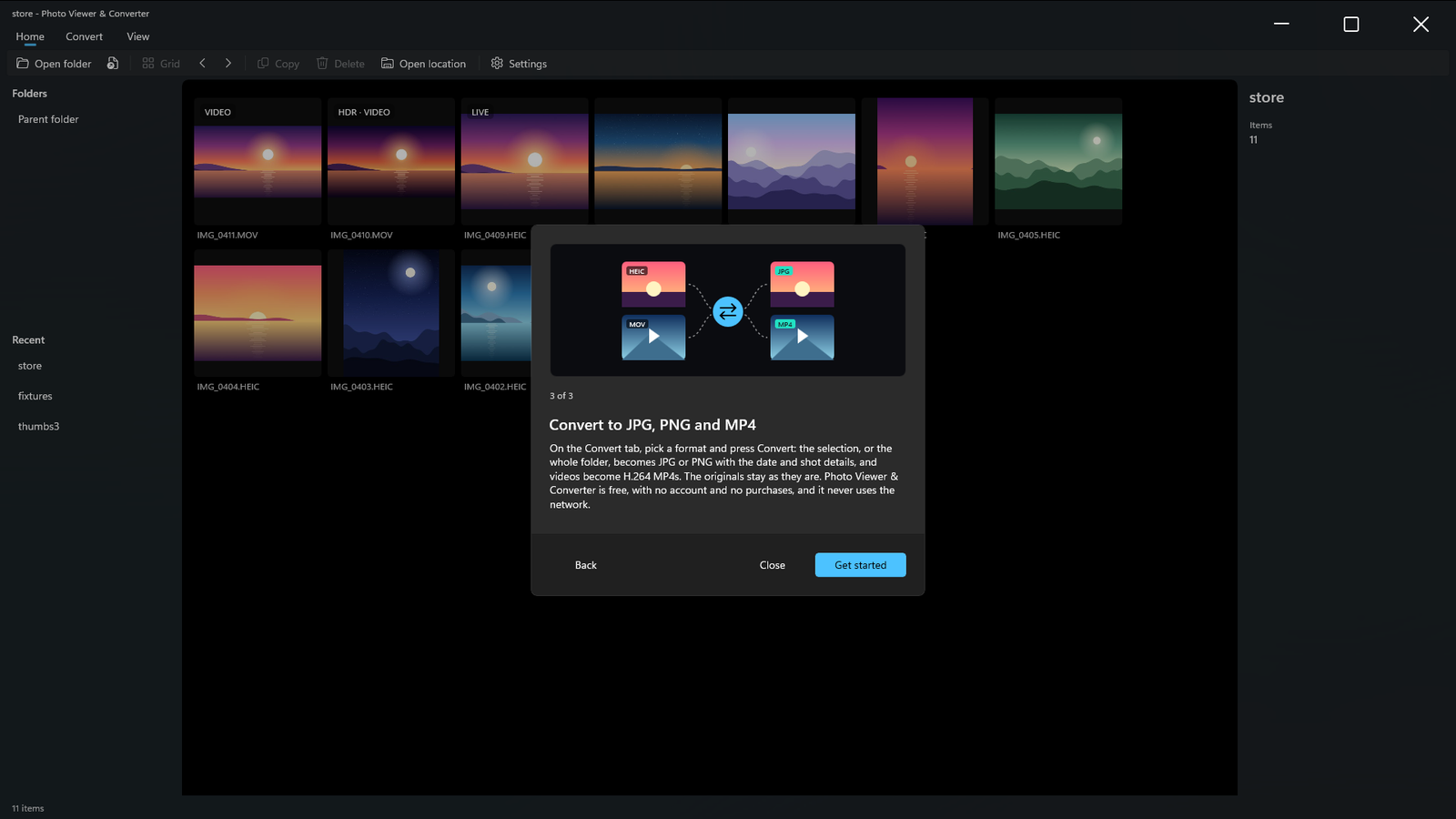
HEIC to JPG or PNG, videos to MP4 with H.264 and AAC, and Live Photos to a JPG plus a short MP4. Keep dates and camera details, and remove GPS metadata if you choose.
Private by design
Processing is local. The app never uses the network, and conversion leaves your originals unchanged.
Read the privacy policy ↗No Pro tier, trial period, subscription, purchases or ads.
A native app with a dark interface, keyboard shortcuts and English plus 30 other interface languages. Screenshots show English.
Submitted to Microsoft Store
Requires Windows 10 version 2004 or later, or Windows 11. Native ARM64 and x64 builds.
The Microsoft Store edition has been submitted for certification. Its download link will appear here when available.
Download sample photos and videos ↗ · Synthetic landscapes, a Live Photo pair and HLG video for trying the app.
Questions or feedback?
iPhone and Live Photos are trademarks of Apple Inc. Photo Viewer & Converter is not affiliated with or endorsed by Apple. FFmpeg LGPL 2.1; licences and source offer are included in the app.