
Read, annotate and sign
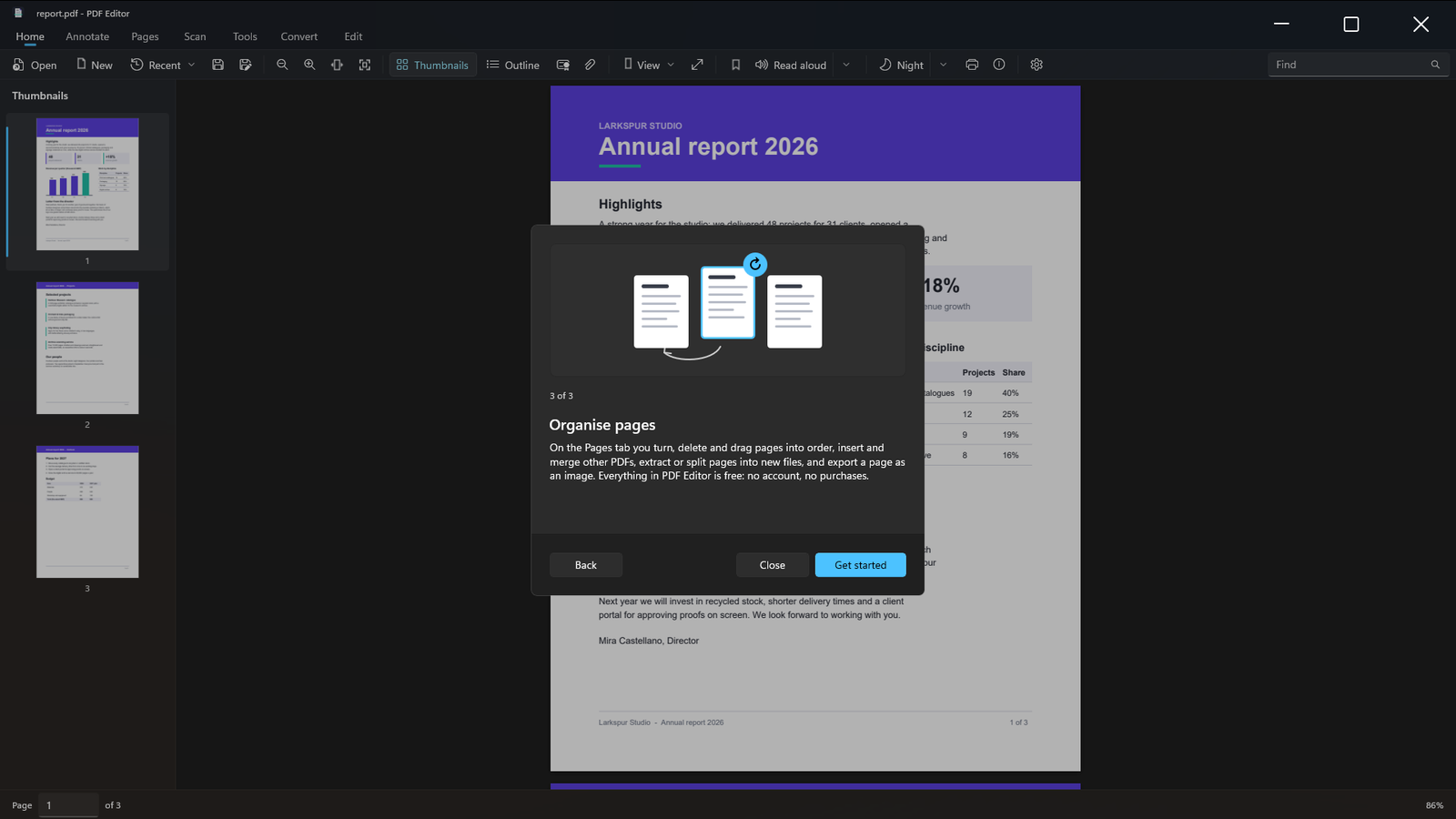
Find text, use bookmarks, read aloud, highlight, draw, add comments and stamps, fill forms and sign by hand or with a digital certificate.
 PDF EditorScan, Sign & Encrypt
Everything included
Annotate a PDF, fill and sign a form, or turn a scan into searchable text on your PC.
Free · Windows 10 and 11 · ARM64 and x64
From reading to editing
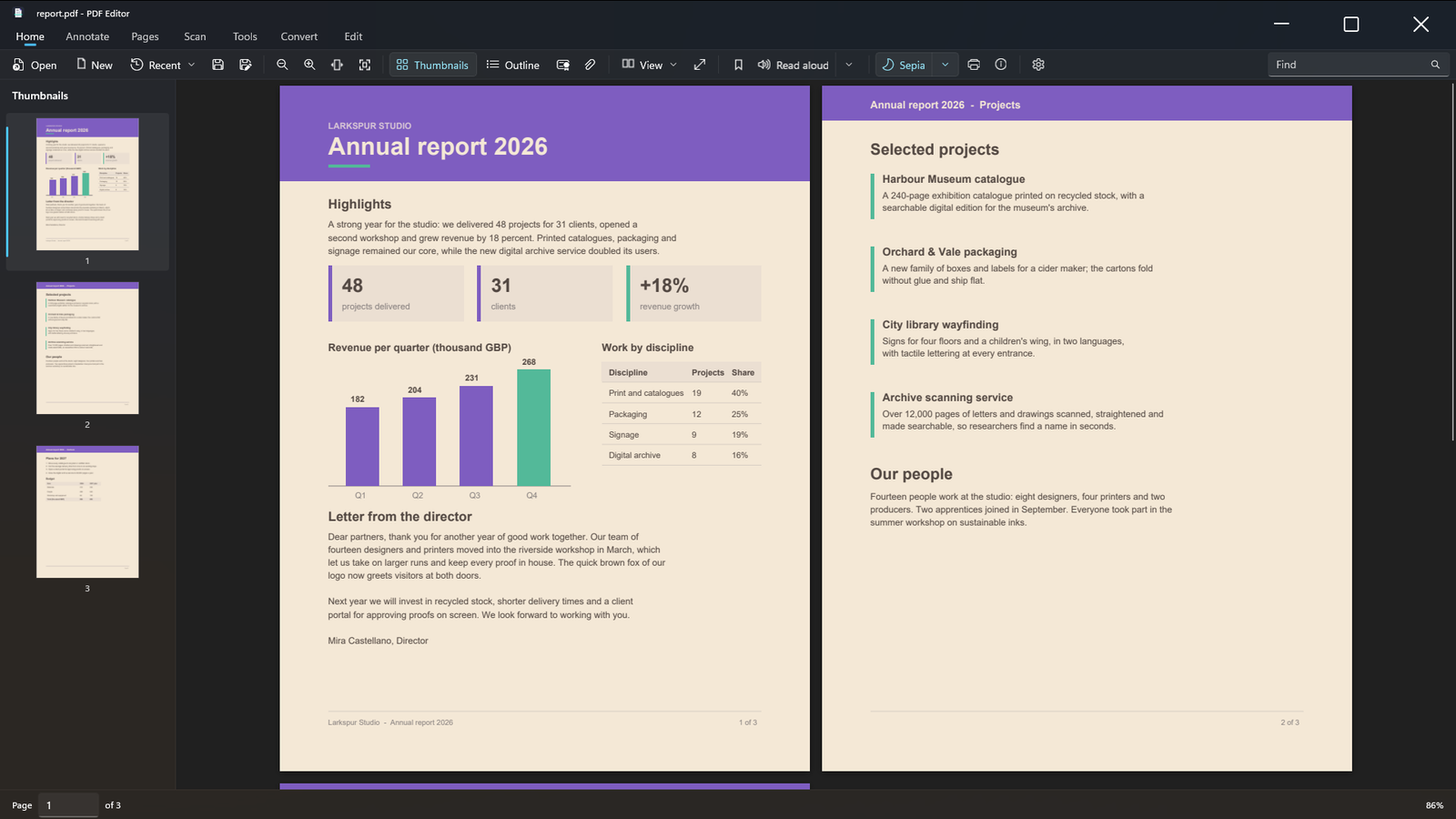
A complete PDF workspace with a native Windows interface and dark theme.
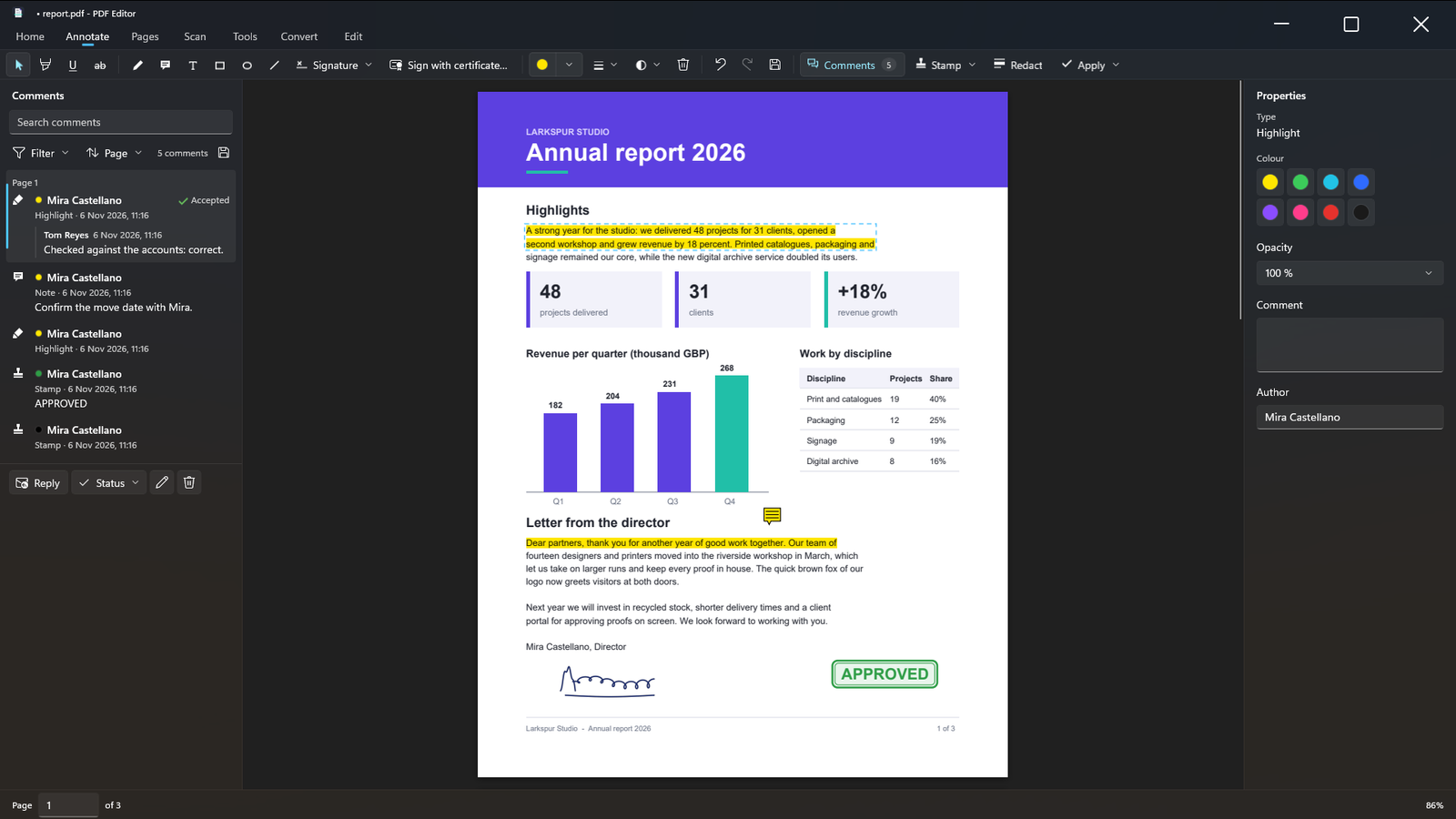
Find text, use bookmarks, read aloud, highlight, draw, add comments and stamps, fill forms and sign by hand or with a digital certificate.
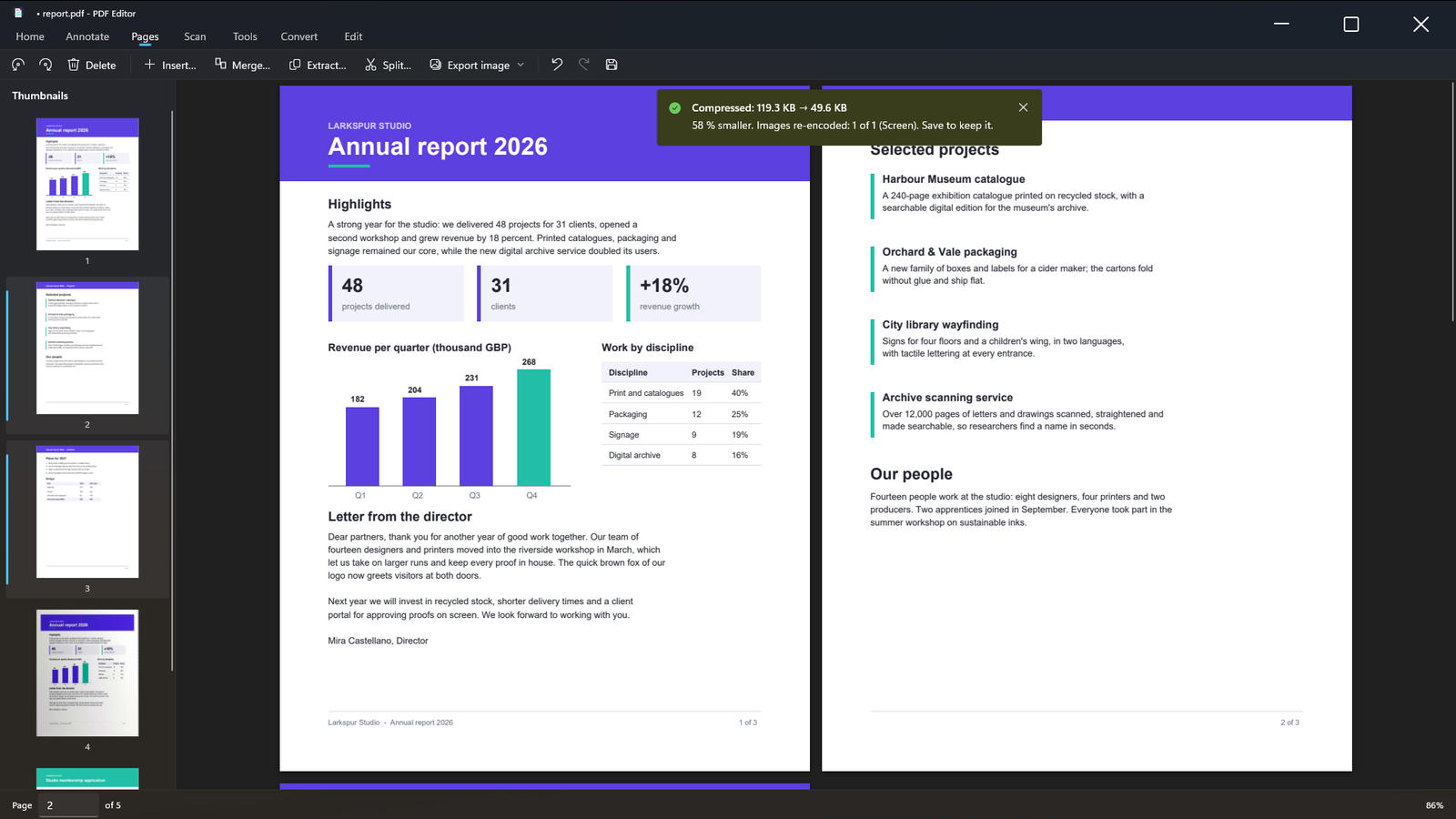
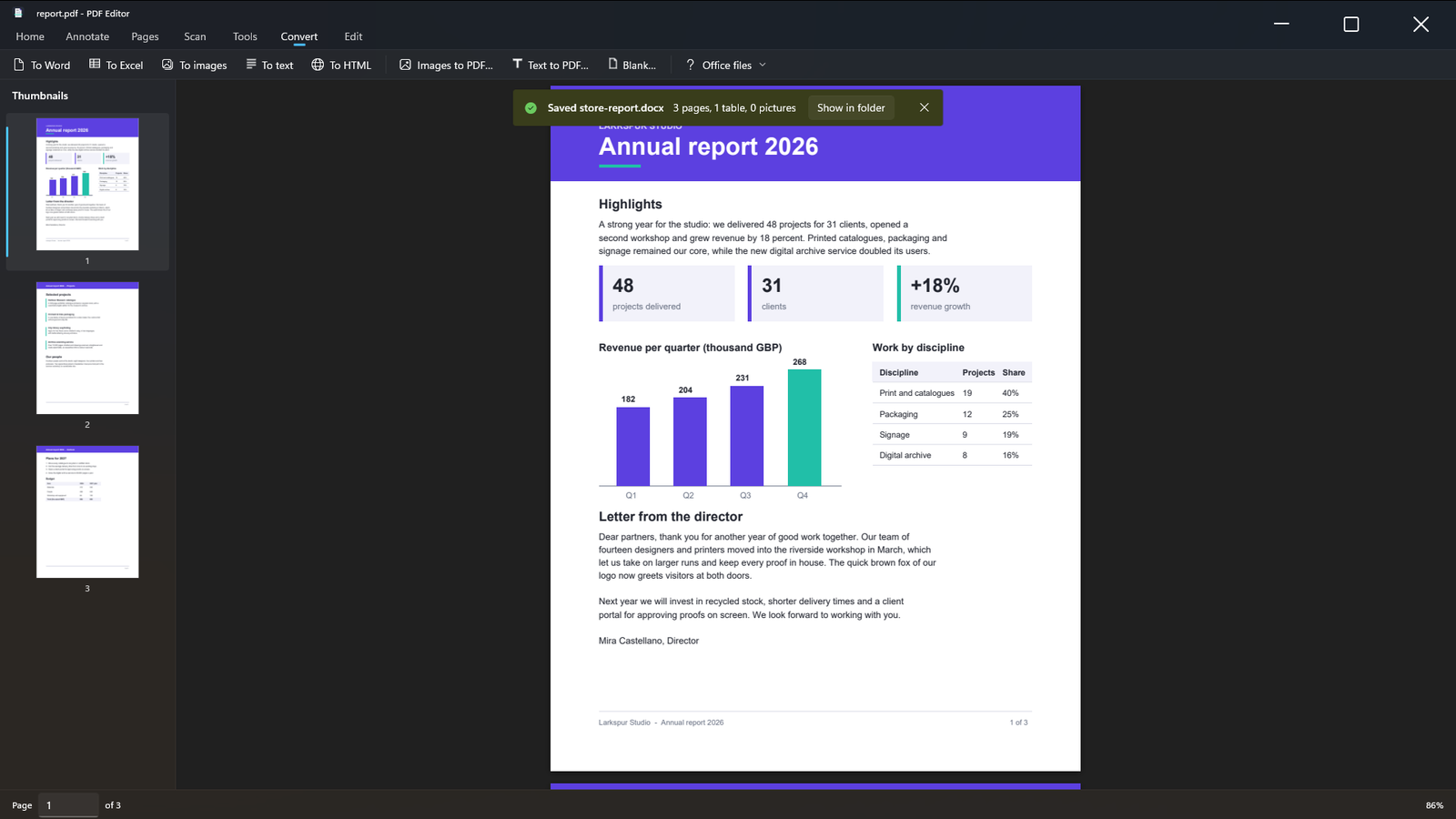
Reorder, merge, split, compress, protect and watermark. Convert PDFs to Word, Excel, HTML, text and images, or make a PDF from images and text.
Edit text in place, insert images and links, redact content and compare two PDFs with the changes highlighted.
Private by design
PDF Editor collects no personal data and sends nothing over the network. Documents, scans, signatures, OCR results and settings stay on your computer.
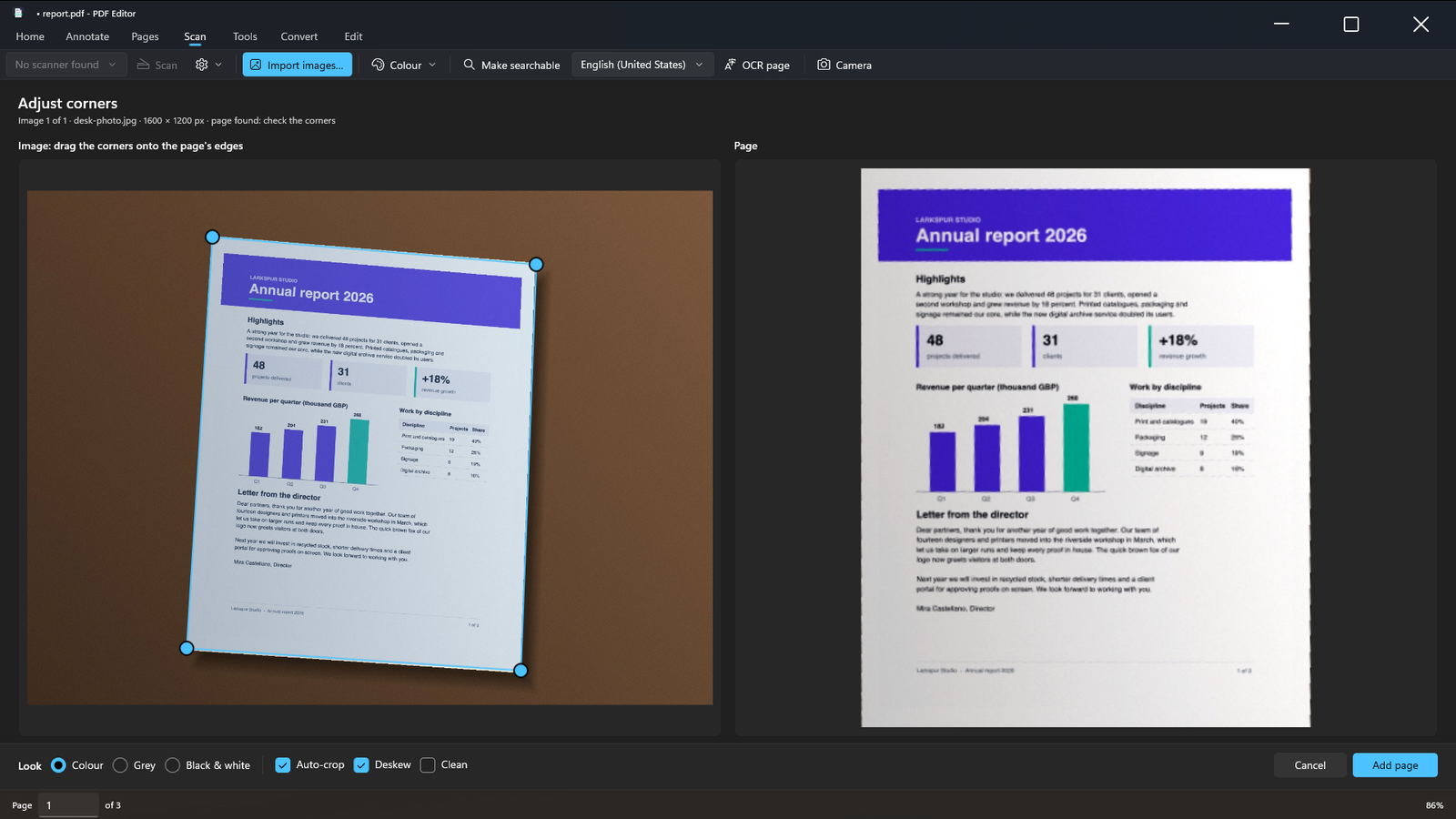
Read the privacy policy ↗Use a Windows scanner, your camera or photos of documents. Straighten and clean up pages, then make them searchable with Windows’ on-device OCR.
Native ARM64 and x64 builds, keyboard shortcuts, Narrator support and an interface in 30 languages. Screenshots show the English interface.
Submitted to Microsoft Store
Requires Windows 10 version 2004 or later, or Windows 11. Native ARM64 and x64 builds. Every feature is free, with no time limit, purchases or watermarks.
The Microsoft Store edition has been submitted for certification. The download link will be added when the app is available.
Download a sample PDF ↗ · A fictional studio report for trying PDF Editor.
Questions or feedback?