
 ParagraphMarkdown Notes
Paragraph
for Mac.
Write in Markdown, then add tables, charts, math and code. Use keyboard shortcuts for headings, formatting and links, and find every note on your iPhone and iPad through iCloud.
Version 1.0 · macOS 12 or later · Apple silicon and IntelDirect download: signed and notarized, updates itself through Check for Updates…
A look inside
Lists, logs, recipes
and plans.
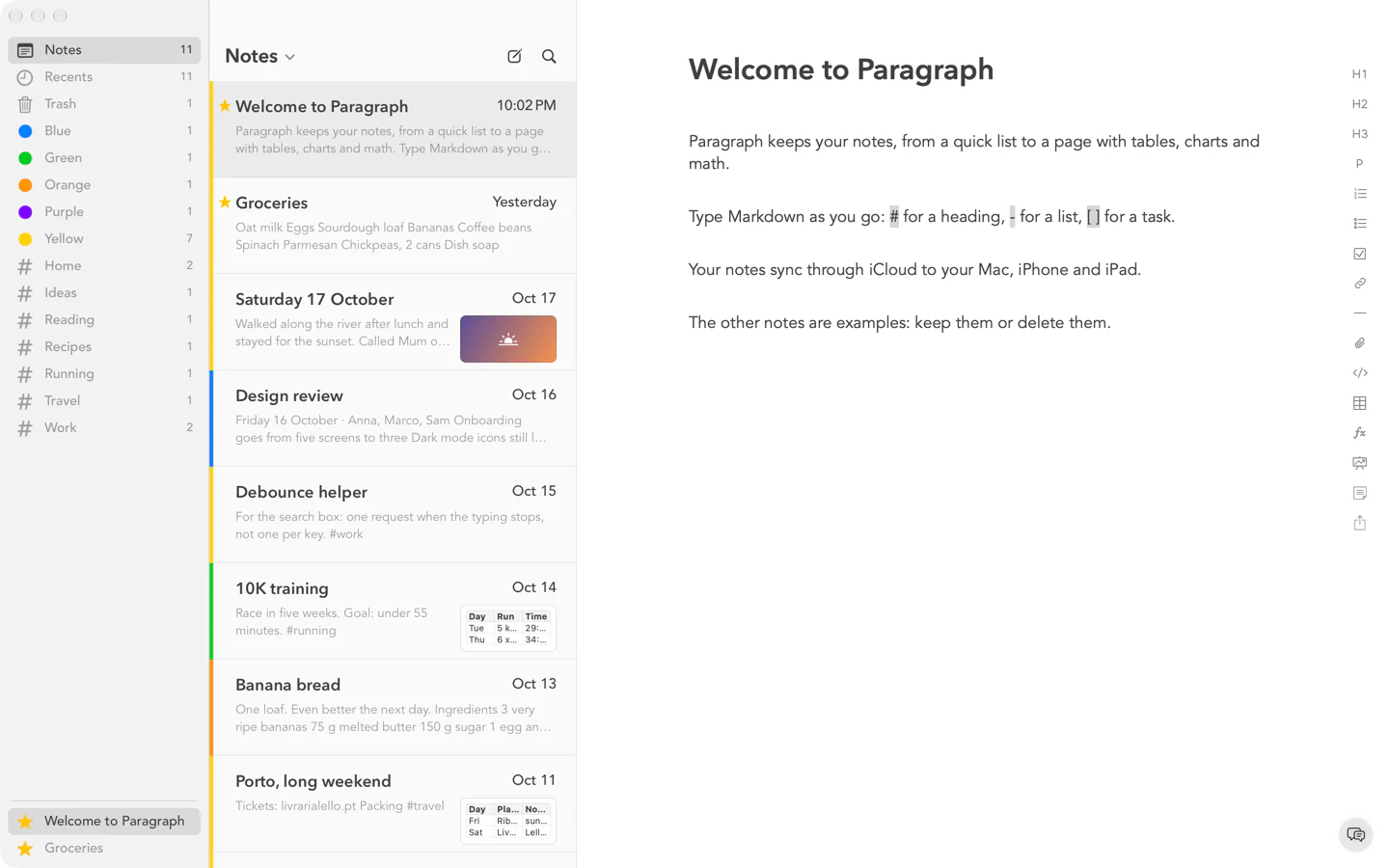
A few everyday notes, as they look in Paragraph on a Mac.
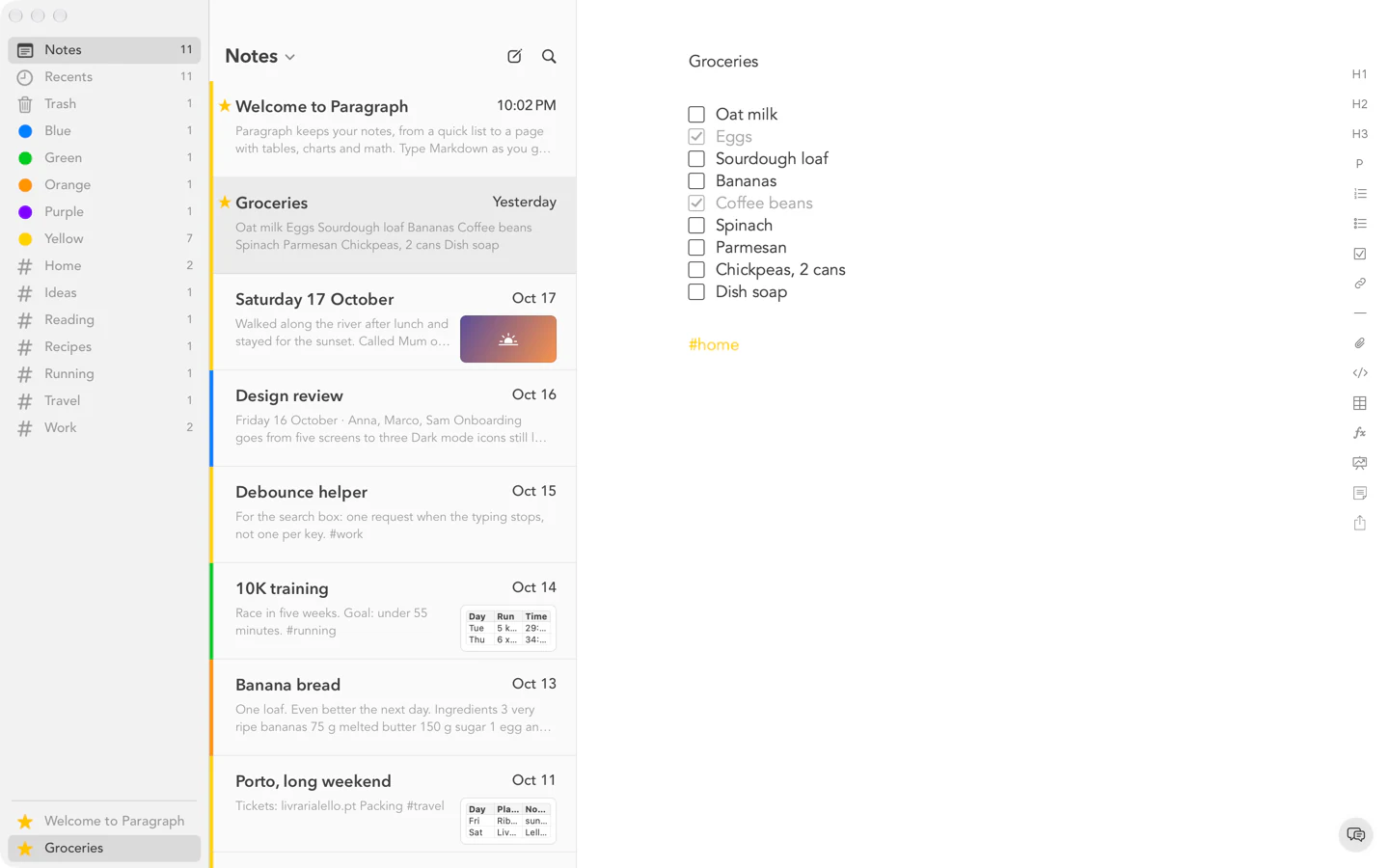
A shopping list with tasks to tick off, filed under #home. 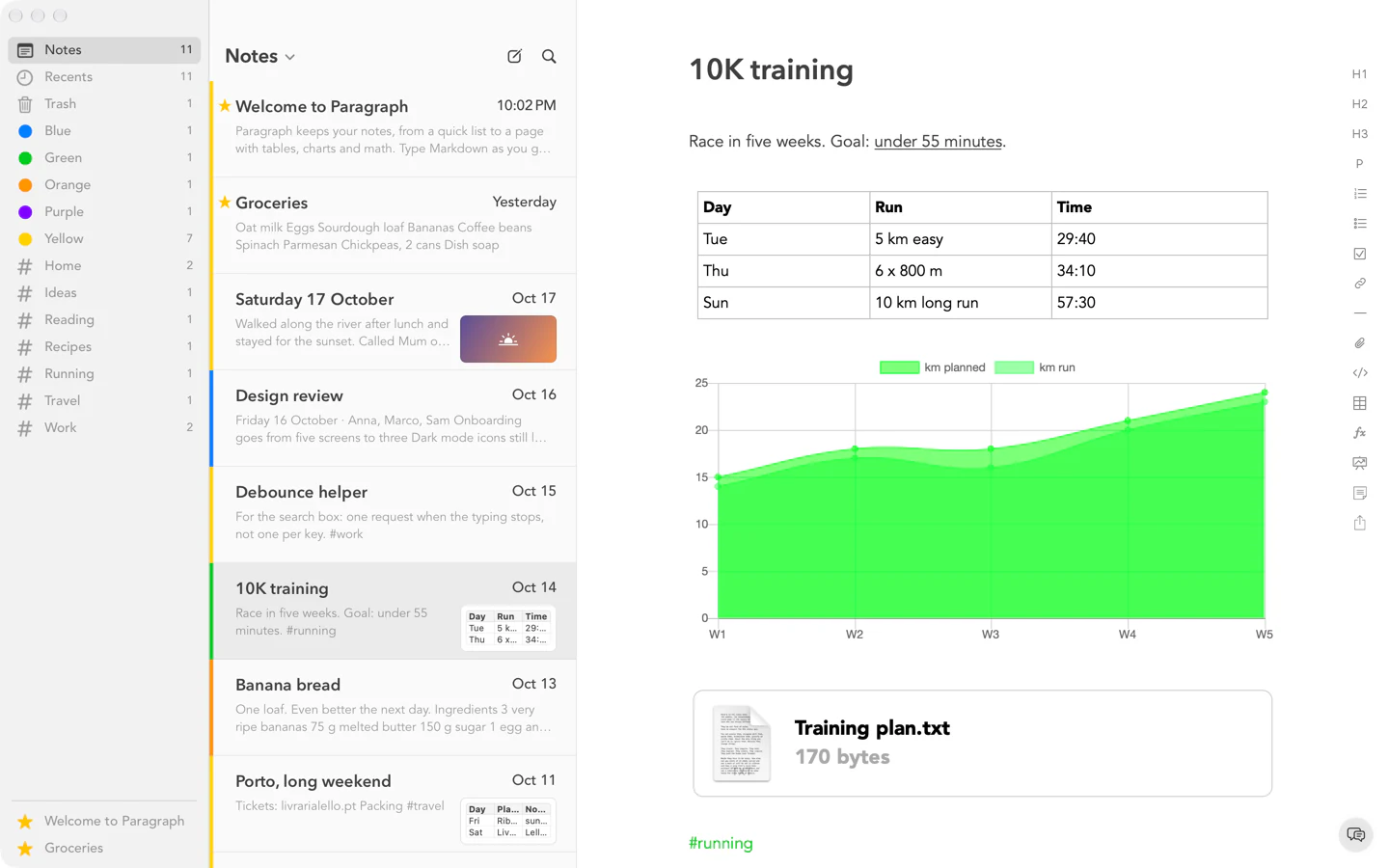
A training log with a table, a chart and an attached file. 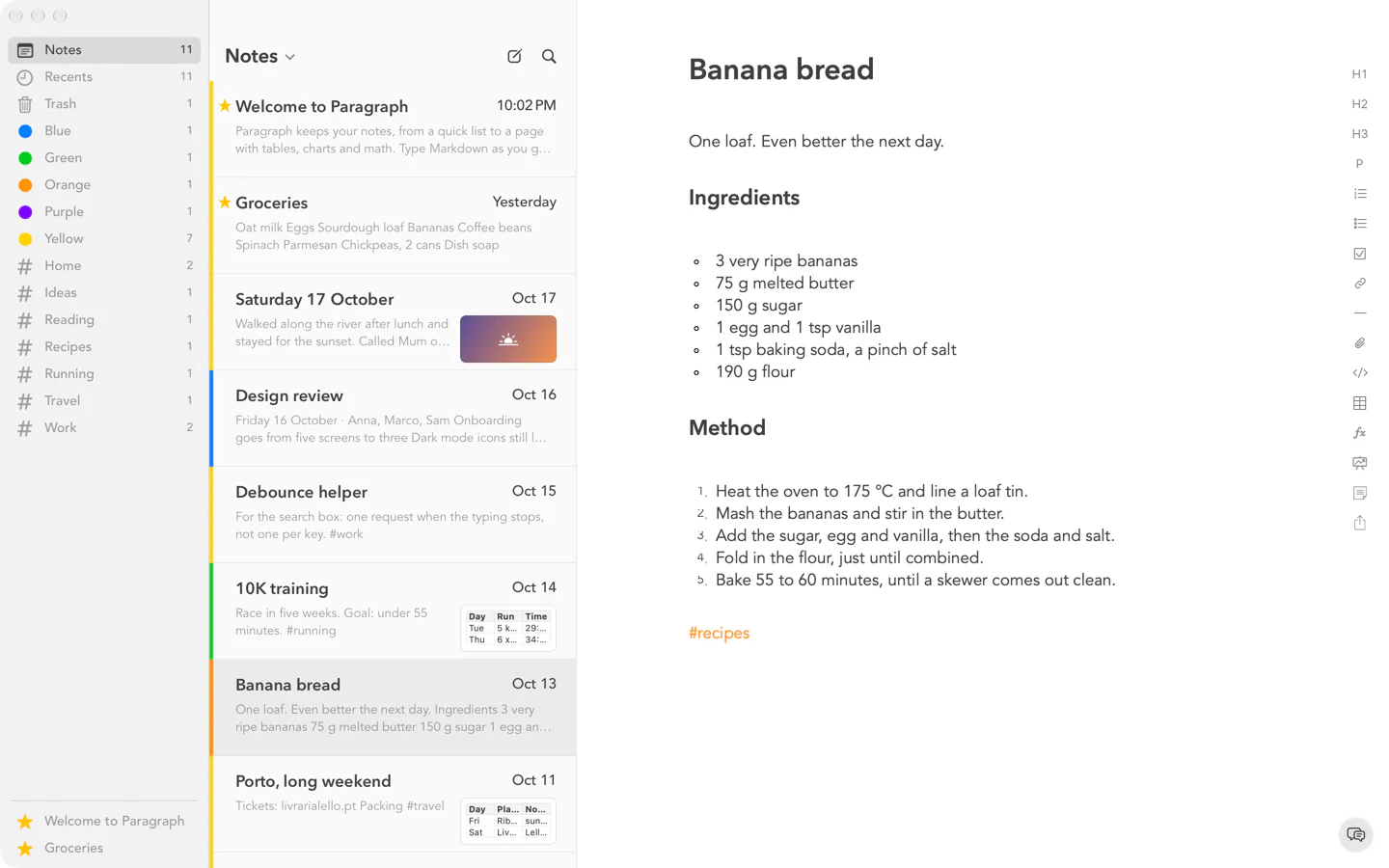
A recipe with headings, a bulleted list and numbered steps. 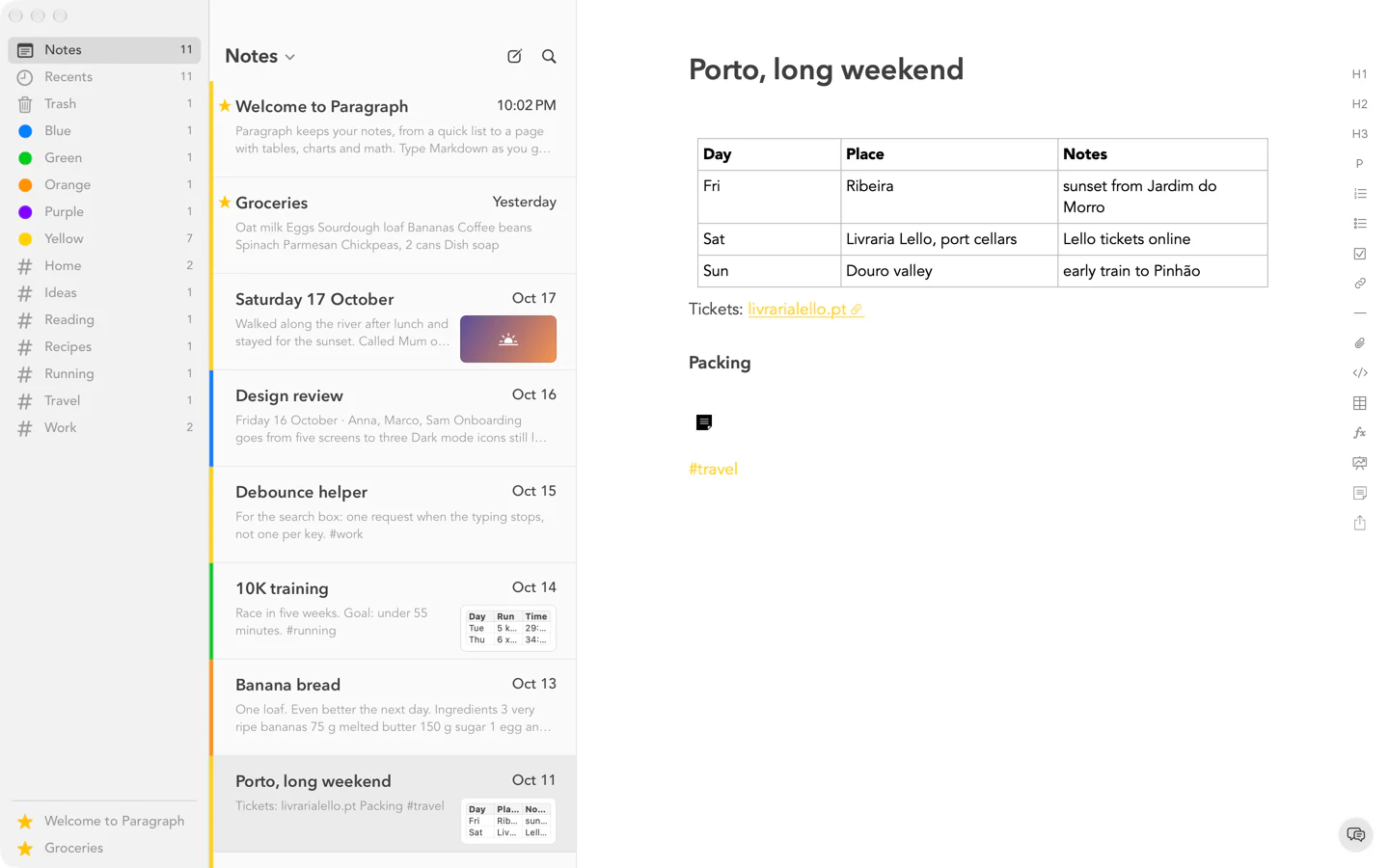
A weekend in Porto: a table for each day and a link to the tickets.
Before you download
The details.
- Version
- 1.0
- Requires
- macOS 12 or later
- Processor
- Apple silicon and Intel
- Security
- Signed and notarized
- Updates
- Choose Check for Updates… and Paragraph updates itself.
- Install
- Open the disk image and drag Paragraph to your Applications folder.
- Shortcuts
- ⌘1, ⌘2 and ⌘3 for headings, ⌘K for links, ⌘F to find in a note.
- Sync
- iCloud keeps your notes the same on your iPhone and iPad.
Paragraph for Mac